
Lucky Ones casino login: sign in, reset your password and get help
This Lucky Ones casino login guide explains how returning players can access an existing account, troubleshoot access problems, reset a forgotten password, distinguish verification from a login issue, and contact support. Use Log In for an existing account; Sign Up starts a new registration.
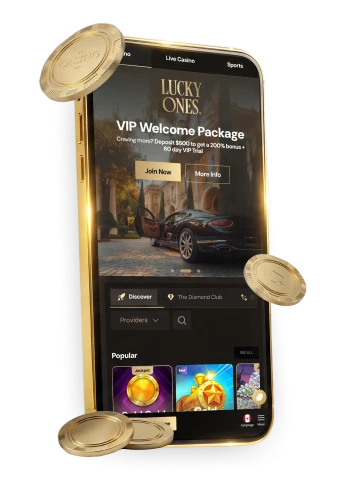
LuckyOnes casino login: sign-in and account access
For an existing account, choose Log In and use the credentials created during registration. One registration account is allowed per person, so returning players should use their existing account.
To register, select Sign Up on the homepage, complete the form, and click Create an account. Registration leads to the deposit page and sends a welcome email to the address provided.
Return to the luckyones casino any time to find both the sign-in and sign-up options in one place.
Checks for common access problems
Use the lucky one casino login route for an existing account; Sign Up begins registration. If sign-in fails, work through this checklist before contacting support.
- Re-enter your account details carefully and check for an accidental space or an outdated saved password.
- Reload the page; if the issue persists, try a current browser or a private/incognito window.
- If sign-in works in another browser or on another device, review the extensions, cookies, cache, and network settings on the one that’s failing.
- Note the exact error message, but never send a password or reset link to anyone.
On mobile, the HTML5 browser interface supports games, bonus access, and withdrawal requests without a separate download. If you use the lucky ones casino app, the checks above still apply; performance can vary by device, browser, and connection quality.
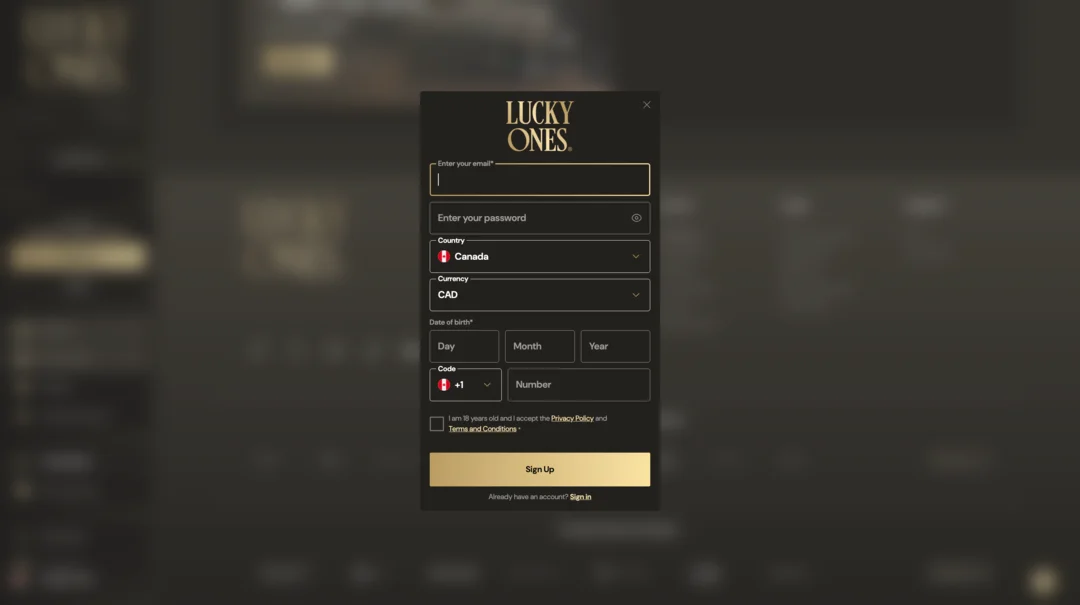
LuckyOnes login: reset a forgotten password
If you can’t remember your password, the reset route runs through the sign-in page rather than a separate recovery tool. Follow these steps, or contact customer care if you can’t access your registered email.
- Open Log In.
- Choose Forgot Password?.
- Use the password-reset link sent to your registered email.
- If you can’t access that email account, contact customer care by live chat or email.
A reset depends on reaching the inbox tied to your account, so keep that address current. If the message doesn’t appear, check spam or junk folders before assuming the link failed, and contact support directly rather than trying an unsupported workaround.
Account verification: what it covers and where to check
Verification is a separate account task from password recovery: it confirms your identity and payment details rather than restoring sign-in access. A verification request on its own isn’t a sign that something is wrong with your password or login.
- Open My Account > Verification and follow the More Info instructions for each document section.
- Submit proof of address only if your address isn’t already shown on your identity document; a utility bill or bank statement should be dated within the last three months.
- Proof of payment applies when you’ve deposited by debit or credit card; avoid uploading duplicate versions of any document, since this can slow the review.
While a check is pending, you’ll see a Verify My Account button in the left-hand menu; once every submitted document clears, a confirmation email is sent.
When to contact Lucky Ones support
If the checklist above doesn’t resolve a sign-in problem, or the password-reset link fails to arrive, stop troubleshooting and reach out directly. Support is available by live chat or email, 24/7.
- Use live chat or email if the reset route fails or you can’t access the email account tied to your login.
- Include the exact error message plus basic browser or device details to help describe the issue.
- Never share your password or forward a password-reset link to anyone, including support.
Describe what you tried, when, and on which browser or device. The stated support hours do not guarantee a specific email response time.
Login FAQs
How do I reset a forgotten password?
Choose Log In → Forgot Password? and use the reset link sent to the email address on the account. If that email is inaccessible, contact customer care.
Does a verification prompt mean my password is wrong?
No. Verification checks identity or payment details separately from password recovery. Follow the request shown under My Account > Verification.